spec17 scans a project’s requirements, tests, and source code. It shows which requirements have tagged tests or references in code, flags problems in the specifications, and can flag possible overlap between requirements. A tag or reference shows where a requirement is mentioned. spec17 does not run tests or verify that a requirement is met.
Get started #
If you have Homebrew on an Apple Silicon Mac or on Linux (arm64 or x86_64), run these commands in Terminal:
brew tap kpavlov/spec17 https://github.com/kpavlov/spec17
brew install kpavlov/spec17/spec17
Follow the Quickstart to scan a project, open the dashboard, or try a sample project. It also covers building from source.
How it works #

The CodeGraph index helps spec17 find related code. You can scan requirements and find tagged tests without it.
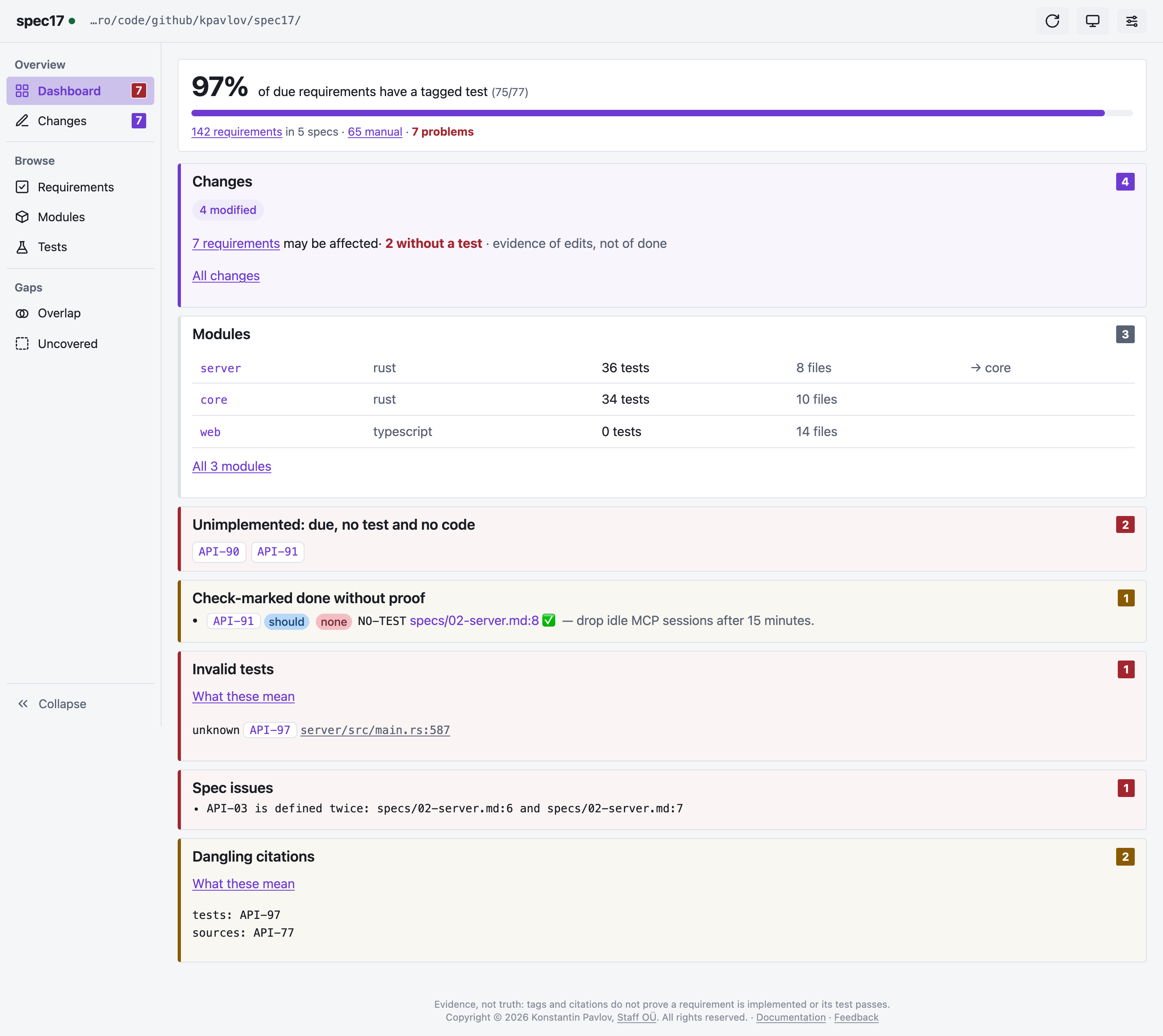
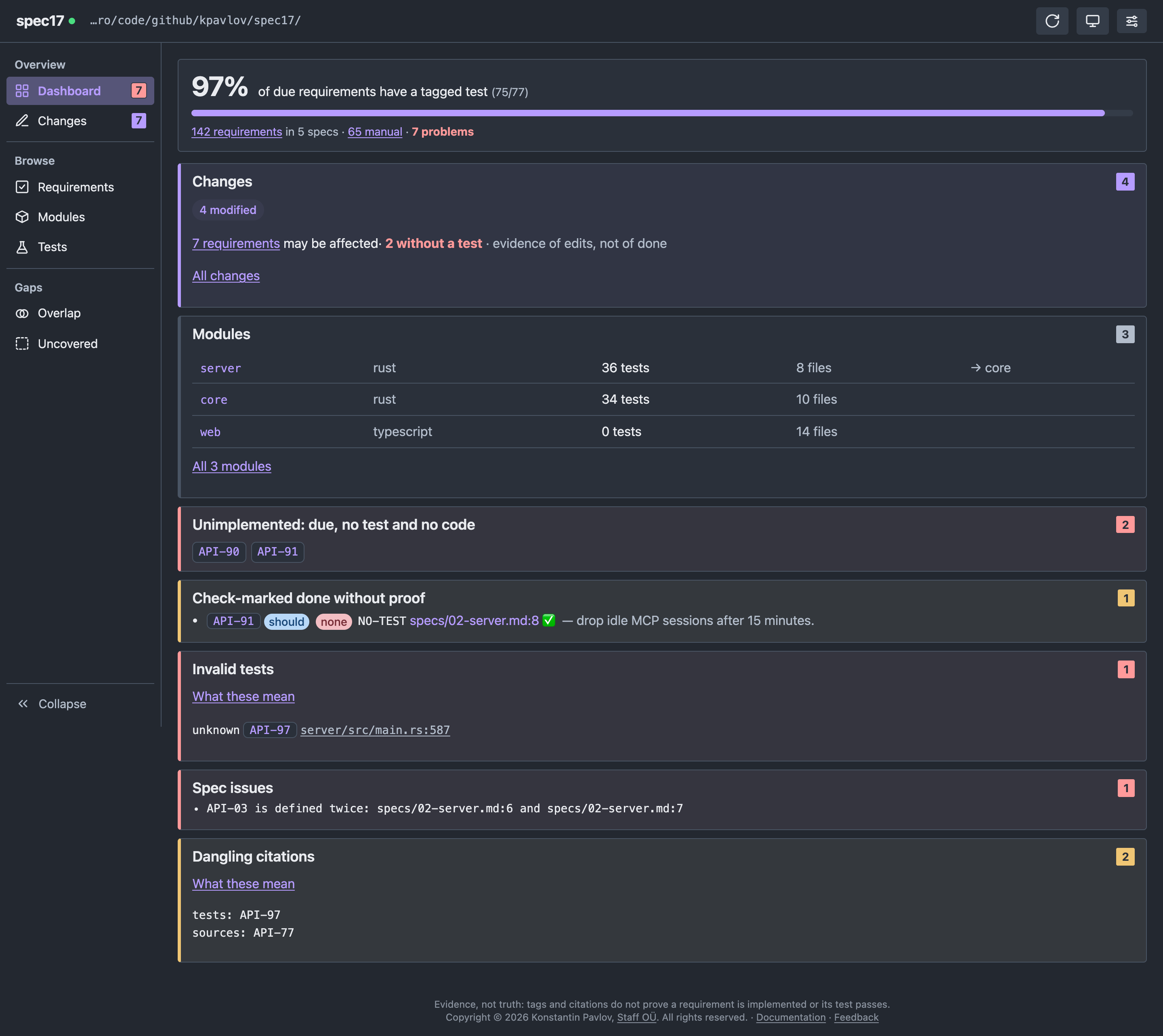
See Usage for commands and dashboard options, Specs and tests for supported formats, and Agents to connect an AI coding assistant.